- Keep the old page live until an equivalent new destination and a permanent redirect are ready.
- Test the full reader path before asking a publisher to edit the placed link.
- Request direct updates only for useful, priority placements. Never promise rankings.
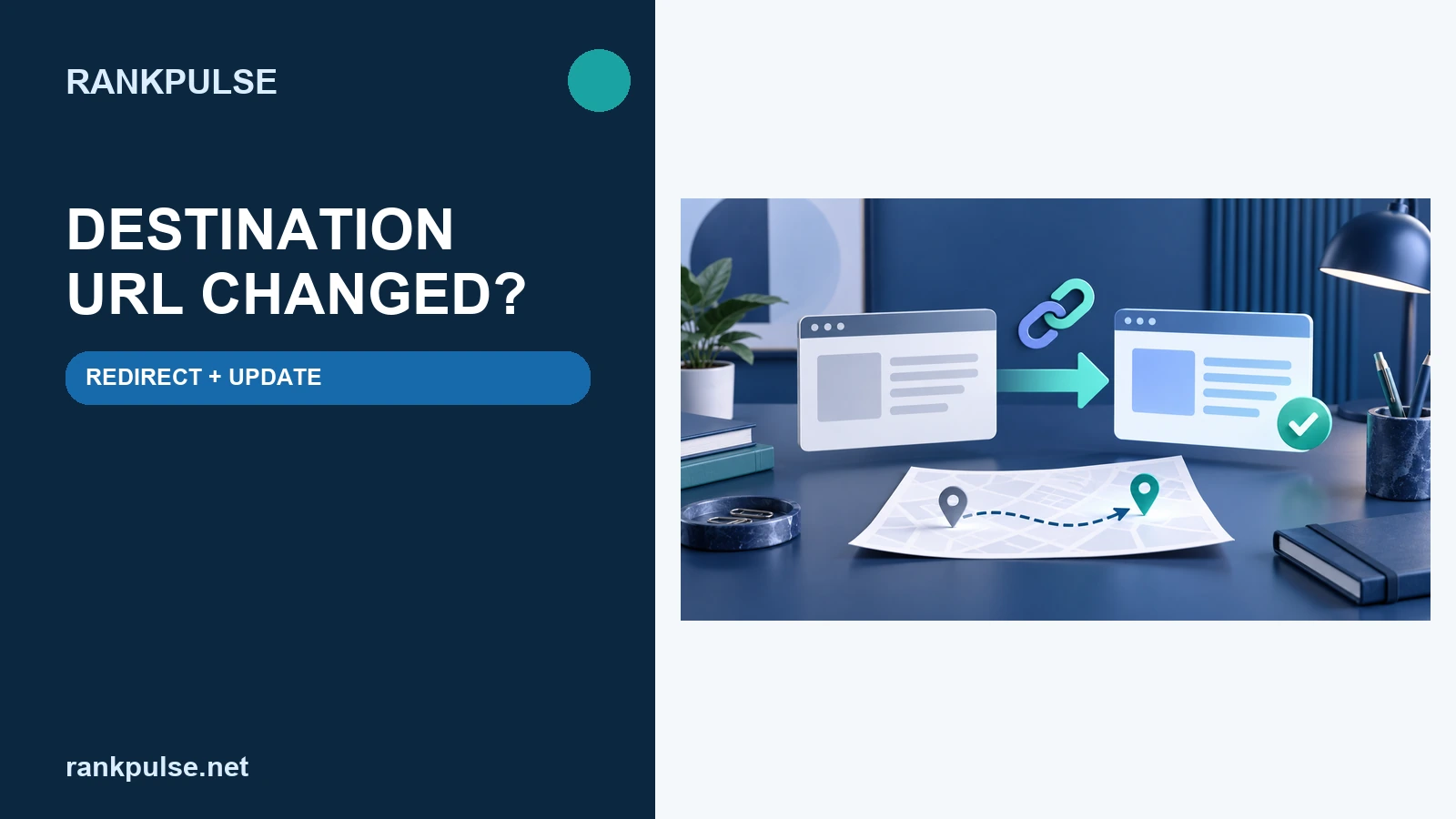
A campaign can finish well and still create a broken reader path months later. Your team may rename a service, merge two guides or move a page into a new site section. The guest post still points to the old address.
Do not start by sending a vague link-change request to every publisher. First decide what happened to the content. Then build a safe route from the old URL to the closest useful page.
This is an operating plan, not a promise that Google will crawl, index or rank either URL.
Classify the URL change before touching the placement
Write down the old destination, the proposed new destination and the reason for the move. Open both pages. A spreadsheet label is not enough.
| Change | Reader-safe action | Publisher request |
|---|---|---|
| Same content, new permanent URL | Use a permanent server-side redirect to the new page | Ask priority publishers to link directly to the new URL |
| Two pages merged | Redirect each old page to the relevant merged resource | Explain which section now supports the original sentence |
| Offer ended, no equivalent page | Return a clear unavailable response or keep a useful archive | Ask the publisher to remove or replace the reference |
| Temporary outage | Keep the original URL and restore it, or use a temporary route | Do not request a permanent edit yet |
Google says permanent server-side redirects such as 301 and 308 are the best option when a page has permanently moved. It describes temporary redirects as suitable when the change is temporary.
Relevance still comes first. Sending many old URLs to an unrelated home page can confuse readers. Google warns that broad, irrelevant redirects may be treated as soft 404s.
Create one destination-change record
Use one row per old URL. Include the old address, new address, change owner, redirect type, launch time and test result. Add the referring guest-post URL and publisher contact when a placement is involved.
Keep a short content-match note. It should explain why the new page answers the promise made in the linking sentence. If that match is weak, revise the new page or ask the publisher to change the sentence as well.
Save the accepted order terms beside this record. The guest-post order record helps identify who can approve later changes. The replacement coverage guide explains why support terms need clear limits.
Test the redirect as a reader would
- Open the old URL. Confirm that it returns a redirect instead of a styled error page.
- Follow the route. Record every hop and the final status. Point to the final destination when you control the rule.
- Read the new page. Check that it still fulfils the source article’s claim or recommendation.
- Check the final canonical. The new page should identify its preferred URL consistently.
- Test on mobile. Make sure the final page and its main action work for a real visitor.
Google advises avoiding redirect chains. Its site-move guide also says new pages should use self-referencing canonicals and updated internal links. Those are site-owner jobs, not tasks a publisher can complete for you.
Do not remove the old route as soon as a few publishers update their links. Keep it working. Google recommends retaining redirects for as long as possible, generally at least a year. Users may benefit when they remain longer.
Decide which publishers need a direct update
A working redirect protects the basic path. A direct link can still be better for readers because it avoids an extra hop. Start with placements that send recorded visits, sit on important evergreen pages or use wording tied to the old page.
Do not sort requests by DA, DR or a promised ranking effect. Those are not Google metrics. Use evidence you can check: page relevance, live referral visits, audience value, link context and whether the edit makes the sentence clearer.
Review the host page with the niche-edit context audit. Then check the delivered page with the post-publication verification checklist.
Send a request the publisher can verify
Source article: [live publisher URL]
Current destination: [old URL]
New destination: [new URL]
Reason: The same resource moved permanently on [date].
Reader check: The new page supports the sentence about [topic].
Requested edit: Replace only the destination URL; keep editorial control with the publisher.
Fallback: The old URL has a tested permanent redirect.
Keep the note factual. Do not demand an exact commercial anchor or an unqualified paid link. If the publisher needs to adjust the sentence or link treatment, review that change on its own merits.
Google’s link guidance says anchor text should be concise, relevant and useful in context. The destination change is a chance to fix a misleading promise, not to force more keywords into the link.
Verify the change and keep both records
After the publisher responds, open the source page again. Confirm the source status, destination, anchor text, surrounding sentence and any rel values. Save the date and the person who approved the edit.
Keep the redirect check too. Another site may still use the old URL, and search systems may not process every change at once. Google says site moves are handled per URL and can cause temporary search changes.
Measure what you can observe: working paths, referral visits, enquiries and support time. Do not label an edit successful because a rank tracker moved after it. Many changes can happen at the same time.
Sources
Google Search Central: redirects and Google Search · Google Search Central: site moves with URL changes · Google Search Central: link best practices. Recheck the live documents before a migration because guidance can change.
Disclosure: RankPulse sells guest-post and publisher placements. That commercial interest is stated so you can judge this aftercare workflow in context. Ask RankPulse about a placement record or publisher update.