- A guest post tracker template records live URLs, target landing pages, anchor text and replacement guarantee dates.
- Audit live links across Day 1, Day 30, Day 90 and Day 180 to catch silent removals or rel attribute modifications.
- Keep publisher contact details, order invoices and replacement deadlines in one place before warranty coverage expires.
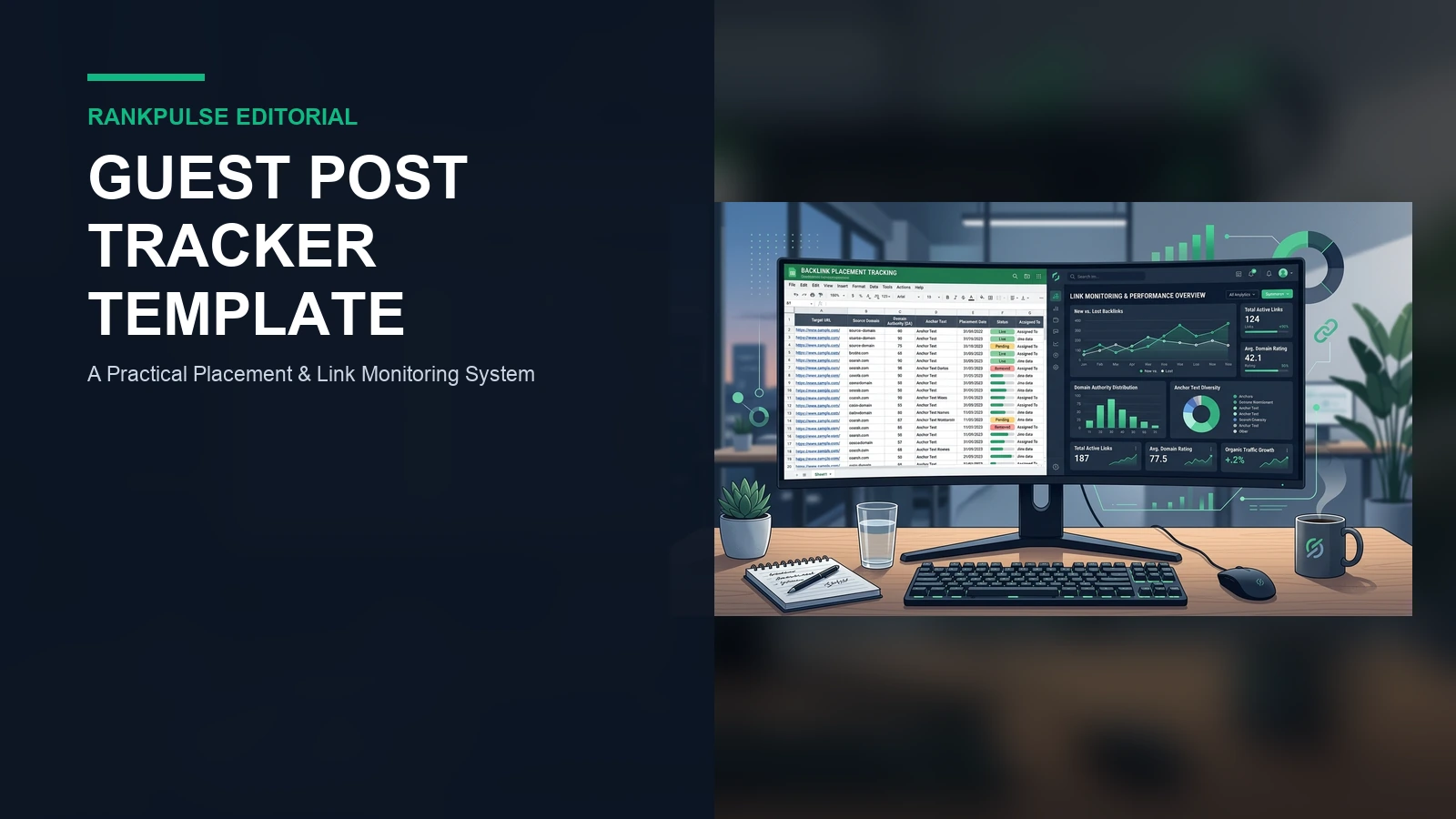
Buying a guest post is only step one. Many digital teams celebrate when an editor publishes their article. Then they forget the page. Months later, the link is gone. Without an active guest post tracker template, you cannot monitor placement health or protect your budget.
Sites evolve over time. Publishers refresh themes, prune older posts, or change link tags without warning. Routine audits reveal problems early. That prompt notice lets you request an editorial fix before your publisher replacement warranty expires.
This guide shares an auditable tracking spreadsheet and an ongoing verification routine. It never promises automated rankings.
The 10 fields every guest post tracker must record
A simple list of URLs is not enough for an active campaign. Keep data simple. Record these ten core fields for every live placement:
| Field name | Data type | Why it matters for link monitoring |
|---|---|---|
| Publisher Domain | Text | Names the publishing website and editorial contact. |
| Live Article URL | HTTPS URL | The exact page where your article lives online. |
| Target Page | HTTPS URL | Your internal page that receives the link. |
| Exact Anchor Text | Text | Tracks keyword diversity and prevents repeated phrases. |
| Link Attribute | Dofollow / Sponsored | Shows compliance with agreed rel attributes. |
| Publication Date | ISO Date | Sets the start date for all future audits. |
| Order Invoice ID | Alphanumeric | Links the post directly to your invoice files. |
| Guarantee Window | Integer (days) | Shows how long the publisher protects your link. |
| Index Status | Indexed / Discovered | Shows if Google has indexed the host page. |
| Current Health | Active / Flagged / Lost | Gives the latest audit outcome at a glance. |
Store these rows in a clean sheet. Link each row to your confirmed guest-post order record. That record holds the agreed price, invoice date and writer draft.
A copyable tracking sheet structure
Build the tracker in Google Sheets or Excel. Keep it simple. Group your columns into three clear sections: post details, link setup, and audit logs.
Here is an example tracking log from an active portfolio with three posts.
| Live Article URL | Target Page | Anchor Text | Rel Tag | Pub Date | Guarantee | Health |
|---|---|---|---|---|---|---|
| example-tech.com/saas-tools | rankpulse.net/pricing | placement pricing table | dofollow | 2026-08-01 | 180 days | Active (200 OK) |
| biz-insider-daily.net/finance | rankpulse.net/about | Zahid founder profile | dofollow | 2026-08-15 | 180 days | Flagged (Redirect) |
| cloud-ops-weekly.org/security | rankpulse.net/portfolio | case study findings | dofollow | 2026-09-01 | 90 days | Active (200 OK) |
Look at row two in the table above. The post moved to a new path and created a redirect. The buyer spotted it right away. They used our destination URL change plan to update their internal records.
The 4-stage link audit routine
Do not check a link only once. Sites evolve constantly. Inspect your live links across four clear operational milestones.
- Day 1 Preflight: Test the page immediately after launch. Use our placement verification checklist to test status 200, canonical tags, and dofollow links.
- Day 30 Health Check: Indexation matters for visibility. Verify whether search engines indexed the post and check that category archives still link to it.
- Day 90 Mid-Term Review: Check landing page stability. Confirm the target URL works and verify that your anchor text remains unaltered by editors.
- Day 180 Warranty Audit: Act before warranty expiration. If the link was removed or altered, file your replacement claim immediately.
Never rely on memory. Set calendar alerts. Run checks on time so you never miss a contractual deadline.
How to handle lost links and warranty claims
Sometimes an audit detects a missing placement or broken link. Do not panic. Sites go through server moves and unexpected code updates that can be fixed easily. Work through three clear steps.
Determine whether the live page returns a 404 error, a temporary redirect, or an unexpected nofollow tag. Inspect the server response headers carefully. Knowing the exact technical issue helps you resolve it quickly with the publisher. Next, review your warranty terms. Our review of link replacement guarantee coverage explains standard terms, like six-month coverage windows.
Email the publisher with clear notes. Share the live URL, order ID, and a screenshot of the issue. Polite, well-documented requests get quick results.
Metric hygiene in your tracking sheet
Many buyers track third-party domain scores. Scores like Moz Domain Authority or Ahrefs Domain Rating can help you sort sites. But Google does not use these metrics.
Google relies on its own search systems and spam rules. Never tell clients that high scores promise search rankings.
Focus on real audience fit, clean HTML, and clear reader value.
Sources
Google Search Central: Creating helpful, reliable content · Google Search Central: Link best practices · Google Search Central: Link tagging and link spam update. Read search guidelines often to keep campaigns clean.
Disclosure: RankPulse provides curated, vetted publisher placements and replacement support. We state this commercial role openly so you can assess this tracking guide in context. Browse our vetted guest-posting inventory or ask for placement help.