- Check for official manual actions inside Google Search Console under Security and Manual Actions.
- Separate sudden traffic cliffs from slow drops after algorithm updates.
- Audit publisher sites before buying links. Use brand searches and site queries.
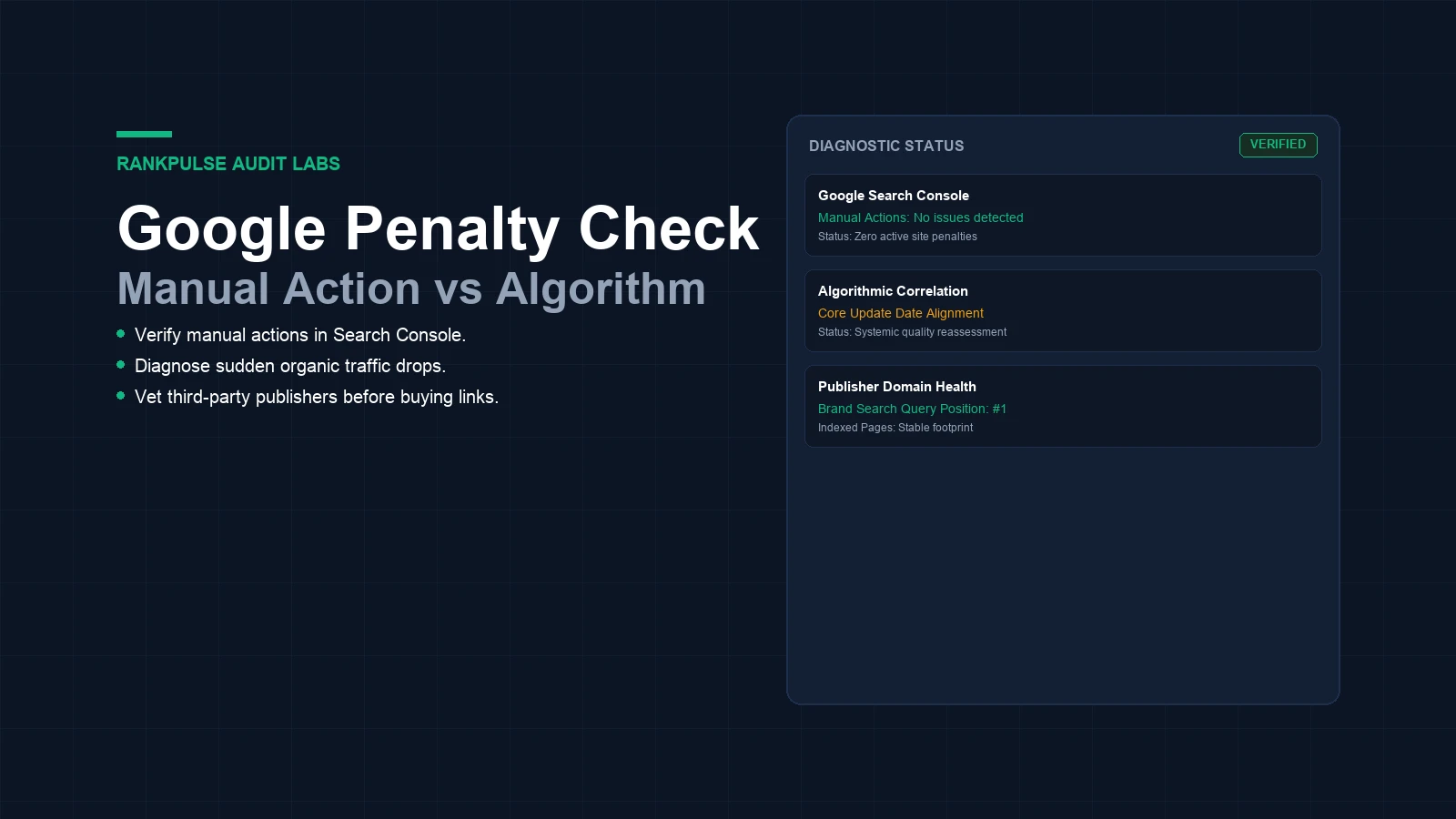
How to check if a website is penalized by google? Check Google Search Console first. It takes two minutes.
A real penalty is a deliberate action set by a human reviewer. Google applies manual actions when a site breaks search spam policies. Google posts a clear notice inside your console if a penalty hits your domain.
Learn the difference between penalties and algorithm updates. Most traffic drops are not penalties. Automated systems cause them during core updates or spam rollouts. Testing both issues saves time and money. This guide shows how to check your site and vet publisher domains before buying links.
Manual penalties versus algorithmic ranking shifts
Manual actions and algorithm drops need different fixes. Notice is the main difference. A manual action leaves a paper trail in Search Console. A reviewer checks the site and adds a penalty. Automated systems never send email alerts or console notes.
Algorithm updates run automatically across the web. When Google rolls out a core update, automated systems test content across millions of pages. A drop during a rollout does not mean you have a penalty. Google simply gave higher ranks to other sites.
How to check if a website is penalized by google: 4 steps
How to check if a website is penalized by google: 4 steps. Follow this sequence. First, check your manual actions tab.
Log into Search Console and open Security and Manual Actions. Click the link. If you see a green check mark stating no issues detected, you have no manual penalty.
Second, review your traffic timeline. Open the Performance tab in Search Console. Review your impressions over the past year.
A penalty causes a sharp cliff where traffic drops near zero in days. An algorithm shift shows a stepped drop that matches Google update dates. Compare your drop dates with rollout dates to find the cause.
Third, test your brand ranking. Search for your exact business name in Google. A healthy site ranks number one for its own brand. If your domain does not rank on page one, it may suffer from severe suppression. This simple brand test helps you audit third-party sites fast.
Fourth, check site indexing. Run a Google search with the site operator before your domain name. Check if key pages show up. If a large site shows zero results, Google de-indexed the domain. Complete de-indexing points to a severe penalty or a bad noindex tag.
Auditing prospective publisher domains before buying links
Vetting publisher domains before buying backlinks is vital. You cannot see a publisher's private Search Console data. You must use outside signals to ensure the site is clean and penalty-free. Our guide on how to vet guest post sites explains key due diligence criteria.
Inspect the publisher's traffic history. Look at traffic trends over the past two years. Avoid domains that lost most of their traffic during recent spam updates. A big drop means Google stopped trusting the site's links. Buying links on dropped sites wastes your budget.
Check content and outbound links. Look at recent posts. See if the blog sells links to spam niches like gambling or essay mills. Read our breakdown on site reputation abuse due diligence to avoid parasite hosts. Check templates with our guest post page indexability preflight to verify clean tags.
Follow official documentation on the Google Search Central Manual Actions guide and review Google Search spam policies to understand compliance rules.
Penalty diagnostic matrix
Use this diagnostic table to identify your issue.
| Diagnostic signal | Manual action penalty | Algorithmic quality drop | Technical site issue |
|---|---|---|---|
| Search Console Alert | Yes, listed under Manual Actions | No notice or console message | No manual action alert |
| Traffic Drop Profile | Steep drop near zero in days | Stepped decline over weeks | Sudden drop matching code release |
| Brand Name Ranking | Often drops off page one | Usually retains position one | Retained or intermittent |
| Indexed Pages (site:) | Severely reduced or wiped | Pages stay indexed but lose rank | Zero pages if blocked by robots |
| Recovery Path | Submit reconsideration request | Upgrade content depth and experience | Remove technical blocking directive |
How to fix penalties and recover organic visibility
Fixing a penalty takes careful work. If Search Console shows a violation, read the reviewer notes. Common causes include paid outbound links, thin text, or spam comments.
Clean up bad pages or disavow toxic links completely. Take detailed notes.
Submit a review request once violations are fixed. Write a short, clear note in Search Console. Explain what caused the issue, what you fixed, and how you will prevent future problems.
Human reviewers read these notes by hand. Reviews take two to four weeks. Once approved, Google lifts the penalty and restores your clean status.
Recovering from algorithm drops requires better content. You cannot submit review requests for automated ranking shifts. Focus on helpful guides with clear data and practical tips. Explore our link building pricing and placement criteria to get clean, safe links.
Frequently asked questions
Can you check if an external website has a Google penalty?
You cannot open their Search Console account. But checking brand rank, index counts, and traffic trends shows if a site is penalized.
How long does a Google manual penalty last?
A manual action stays active until you fix the issue and get approval, or until it expires. Most penalties stay for months if ignored.
What is the difference between a penalty and a core update?
A penalty is a manual action set by a human reviewer for spam violations. A core update is an automated quality shift across the web.
Does disavowing links remove an algorithmic drop?
No. Disavowing links only helps if you received a manual action for bad links. Google algorithms ignore spam links automatically without penalizing your domain.
RankPulse provides vetted guest posts. Always audit site metrics before buying links.