- The Google Disavow Links tool tells search crawlers to disregard specific external URLs or entire domains pointing to your site.
- Use this feature only when handling formal manual actions or severe unnatural link schemes, never for routine scraper spam.
- The uploaded file requires UTF-8 plain text formatting with strict domain and page directives under a 2MB size cap.
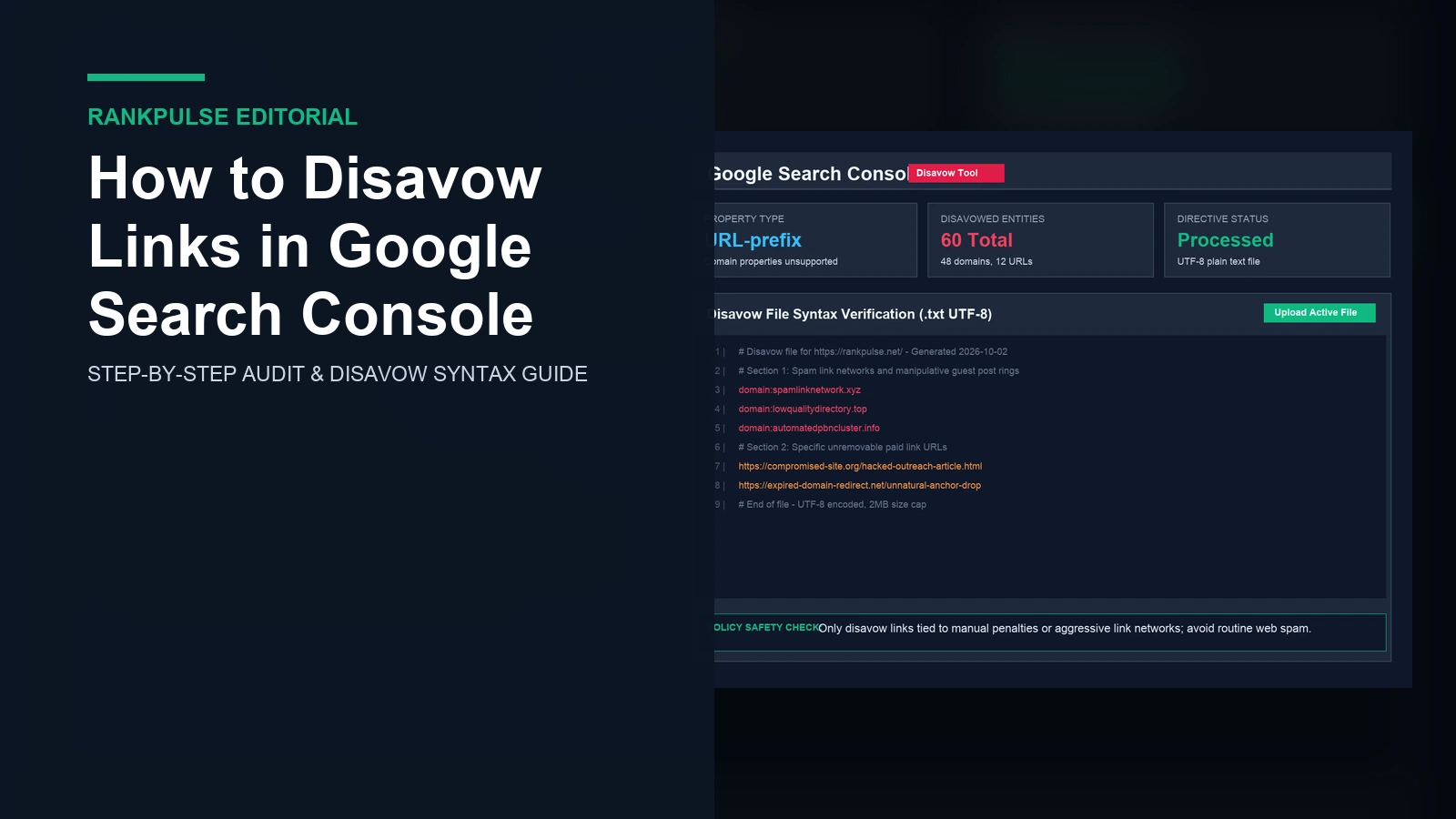
Learning how to disavow links in Google Search Console helps site owners fix dangerous backlink penalties. Google systems ignore most web spam on their own. SpamBrain drops low quality scrapers without user help. However, paid networks and bad outreach can trigger manual actions. Knowing how to write and upload a clean disavow file gives you full control.
This file drops inbound credit. If you block good citations by mistake, your organic rankings can fall quickly. Our guide on checking if backlinks are indexed in Google shows how to review domains before taking action. Auditing your inbound profile carefully protects your site from costly mistakes.
When to use the disavow tool safely
Google treats disavowal as an emergency fix. You should never disavow backlinks just because outside software shows a high spam score. Outside tools use proprietary rules that do not match Google ranking signals.
Save disavow actions for manual penalties. If your console shows an Unnatural Links warning, you must clean it up. You can also use it when bad outreach created thousands of spam connections. If site owners refuse to take down bad URLs, a disavow file acts as your final defense.
Never disavow backlinks after core updates. Core updates reward helpful pages rather than penalizing third-party spam links. Read our checklist on how to check if a website is penalized by Google to see if your drop comes from a manual action or regular ranking changes.
Formatting your disavow text file correctly
Google uses strict syntax rules for uploaded files. One small syntax error causes the system to reject your file. Build your list in a simple text app like Notepad.
Save your document as a .txt file. It must use UTF-8 or 7-bit ASCII encoding. Rich text files, Word files, and spreadsheets will not work.
| Directive type | Correct syntax example | Invalid common mistake | Target scope |
|---|---|---|---|
| Full Domain | domain:spamsite.com | domain:https://spamsite.com/ | Ignores all pages and subdomains on that root domain |
| Specific Subdomain | domain:sub.spamsite.com | domain:http://sub.spamsite.com | Blocks only the specified host without touching the apex domain |
| Exact URL | https://site.org/bad-article.html | site.org/bad-article.html | Ignores incoming equity from a single page only |
| Comment Note | # Outreach failed October 2026 | // Outreach failed October 2026 | Internal documentation ignored by the search crawler |
To block every page from a spam network, use the domain prefix. Put domain:example.com on its own line. Leave out http prefixes and trailing slashes. When you want to block one single page, paste the full URL including https.
How to disavow links in Google Search Console step by step
Use these five steps to upload your disavow file safely.
Step 1: Ask site owners to remove links
Try to get bad URLs removed by hand first. Send short emails asking webmasters to take down paid references. Save copies of every email and keep dates. If you must submit a reconsideration note, Google expects proof of manual outreach work. Our guide on unnatural links manual action recovery shows how to log outreach evidence cleanly.
Step 2: Open the disavow links tool
Google hides this tool from the regular console menu to prevent errors. Go directly to the official tool page. Open the Google Disavow links help page to find the tool link. Sign in with the Google account that manages your verified site.
Step 3: Pick your URL-prefix property
Click the property dropdown box. Domain properties do not show up in this tool. You must choose a URL-prefix property matching your address. If you only have a Domain property, add a URL-prefix property like https://example.com in Search Console. It verifies instantly under your existing domain setup.
Step 4: Upload your clean text file
Click the button to upload your disavow list. Pick the .txt file saved on your computer. The system checks your syntax right away. If the file has errors, the console shows an alert with the exact line number. Fix the broken lines and upload the file again until it passes.
Step 5: Track crawl updates and link drops
Google applies your disavow directives over time. Googlebot must visit each listed page again to drop the link credit. This crawl cycle often takes several weeks. Review the Manual Actions report documentation to track penalty status changes. You can also monitor new references in the Links report help guide during regular audits.
Replacing or removing existing disavow directives
Uploading a new file replaces your previous file completely. Google does not combine your new file with your old file. It overwrites the old list.
Keep a master file saved on your computer. When you find new spam domains, add them to your master copy before uploading. If you upload a file with only five new domains, you will turn older spam entries back on.
If you want to clear all disavow directives, click Cancel disavowals in the tool. Google will remove the filter and count referral equity normally again. To keep future guest posts safe, review our advice on how to evaluate guest post links before buying outreach placements.
Frequently asked questions (FAQ)
Does disavowing links fix an algorithmic drop?
No. Disavowing links addresses manual actions and deliberate manipulation penalties. Core algorithm updates adjust relevance rather than penalizing sites for third-party web scrapers.
Can you disavow backlinks using a domain property in Search Console?
No. The Disavow Links tool requires selecting a specific URL-prefix property such as https://example.com rather than an aggregate domain property.
How long does Google take to process uploaded disavow files?
Googlebot processes disavowed directives gradually over multiple weeks as crawlers re-visit the flagged URLs across the web.
What is the maximum file size for a disavow upload?
The file must be a plain text file ending in .txt encoded in UTF-8 or 7-bit ASCII, under 2 megabytes, and containing fewer than 100,000 lines.
Disclosure: RankPulse provides vetted guest post placements. Verify indexing before buying.